


Have you ever felt the need to unblock someone and give them a second chance after you blocked them for stalking or causing you discomfort on social media?
Snapchat is a popular social media platform that allows users to send and receive snaps and videos, messages and calls, share fun experiences and reconnect with friends or make new friends.
However, sometimes things can become complicated between friends, and one may find themselves blocking the other on Snapchat.
In this article, we will walk you through how to unblock someone on Snapchat and start reconnecting with them.
Important Things To Keep In Mind When Unblocking Someone On Snapchat:
- If you unblock someone, they will not be notified.
- If you block someone again, they will not be able to see your Snaps or Stories, message or call.
How To Unblock Someone On Snapchat
If you block someone on Snapchat, they will no longer appear on your chat screen. After unblocking them you will need to add them again as friends.
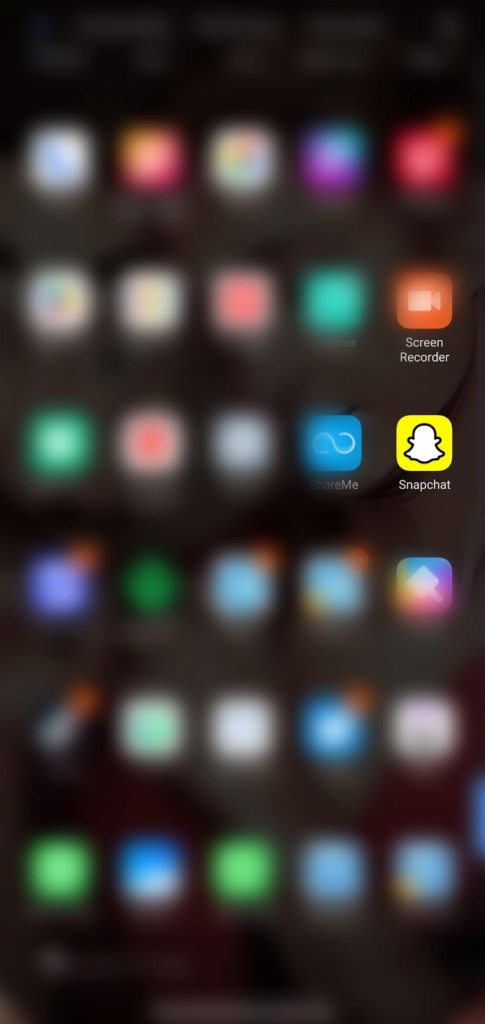
- Open the Snapchat app on your phone
- Tap your Bitmoji or profile icon top left corner of the screen

- Tap the settings icon top right corner of the screen
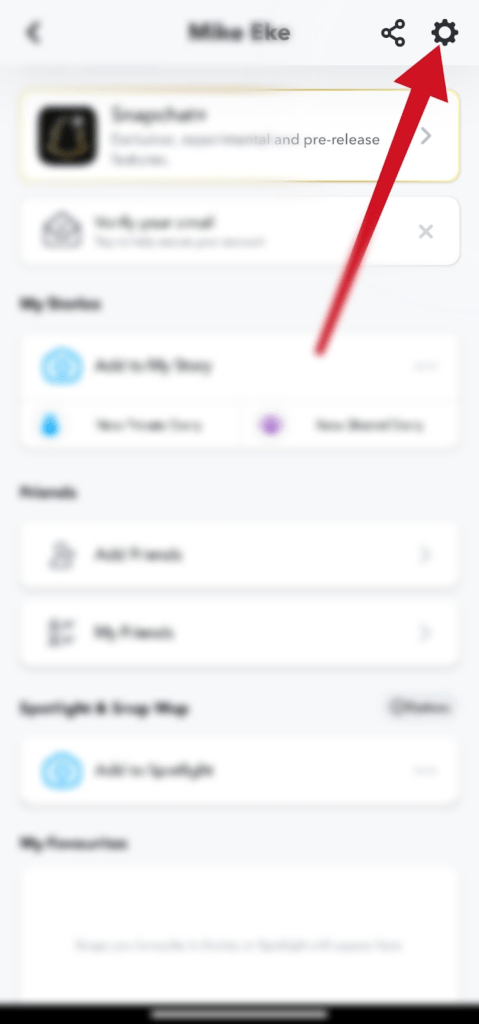
- Scroll down to account actions. Tap Blocked
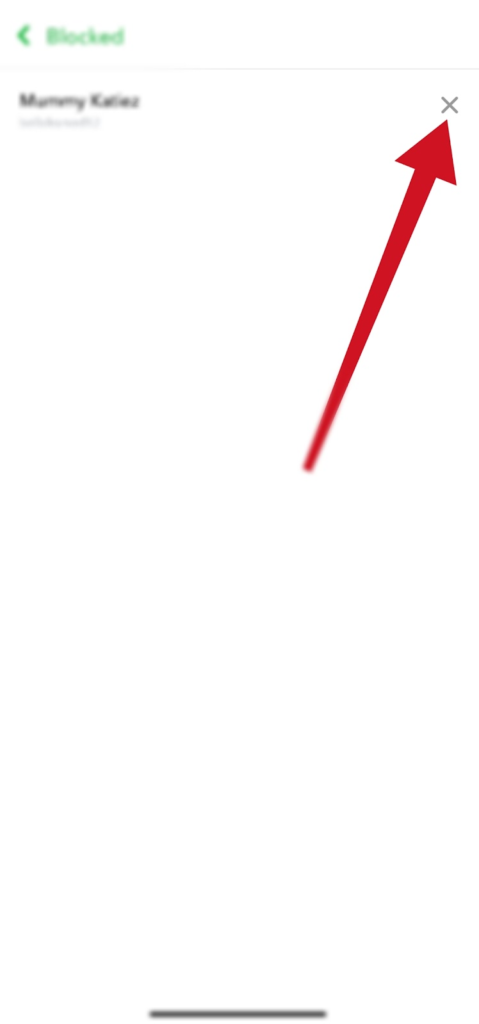
- On the blocked tab. All the people you have blocked will appear on the screen.
- Tap X next to the name
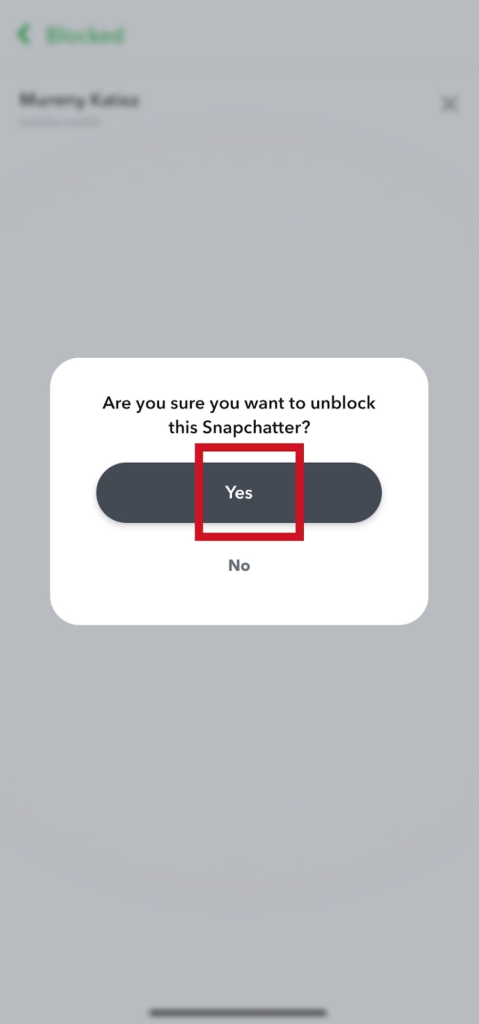
- Confirm you want to unblock the person. Select Yes.
You can repeat this process when you want to unblock multiple people.
What Do I Do After Unblocking Someone?
When you block someone on Snapchat, they will be removed from your friends list. So, you will need to add them back as friends again to be able to start a conversation with them.
If you want to add them back as friends, you need to search for the person’s name or username and click on the add button to add the person back as your friend.
Does Snapchat Notify People When They’re Blocked?
If you block someone on Snapchat, they won’t be notified, but there are alternatives to confirm if you have blocked them. If your name suddenly disappeared from their chat history or your name is not appearing on search, when your name is no longer on their friends’ list. They can also confirm their suspicion by using an alternate account to search for your name or username. With these alternatives, they will be able to know whether you blocked them or not.
Frequently Asked Questions
What Happens If You Block Someone On Snapchat And Then Unblock Them?
When you block someone on Snapchat, they won’t be able to send you snaps, call or message you. If you unblock, you will need to add them as friends again and can send them messages.
When You Unblock Someone On Snapchat, Does It Notify Them?
No, they won’t be notified by Snapchat if you unblock them.
How Do I Know Someone Blocked Me On Snapchat?
Search for their names on your contact list. Search for their names or username and if the names don’t appear. Then try using an alternate account to search for their names and if it appeared. It means you have been blocked.
What Does Pending Mean On Snapchat?
Pending means that your Snapchat message is yet to be delivered. This can be a Snapchat error notification issue. But here are some of the major reasons.
Your message might show pending on Snapchat when your friend request hasn’t been accepted, the person has removed you as a friend or you have been blocked.
FURTHER READING
- How To Disable Snapchat Calls
- How to Block Someone on Snapchat
- How To Tell If Someone Blocked You On Snapchat
